Before guests arrive
Approved arrival instructions, entrances, box-office information, accessibility contacts, and a plain-language introduction to the venue.
 BALTIMORE · FRANCE-MERRICK PERFORMING ARTS CENTER
WELCOME TO THE HIPPODROME · BALTIMORE
Here for Hell’s Kitchen? Listen to the program, read it in large text, or explore the bar menu. Choose the format that works for you.
See the QR placards ↓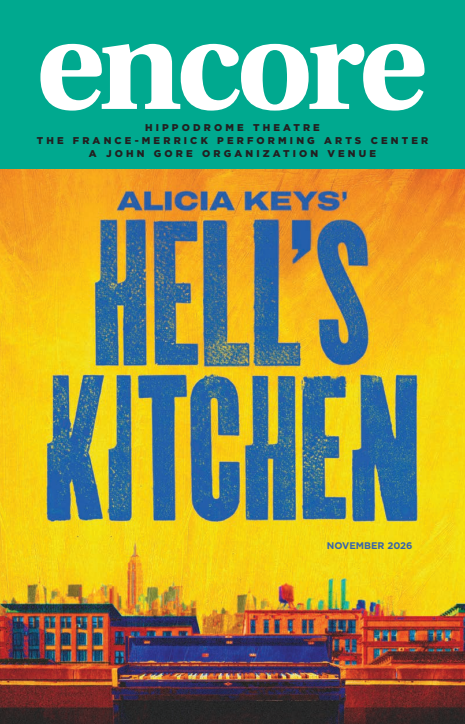
PROGRAMS · BAR MENUS · YOUR VISIT
Designed specifically for accessibility. This website brings together screen-reader navigation, adjustable large text, high-contrast reading choices, keyboard access, and audio with transcripts—so guests can use the format that works for them.
Scan a Hippodrome placard to open the program or menu on your phone. Choose audio, adjustable large text, or information on where to request Braille. A public guest site would open in your browser, with no app to install.
This review site is private. The QR codes link to its working samples and require the same access. The proposed guest launch would use an unlisted, venue-approved AccessLibrary.org link that opens without sign-in.
Not everyone who is blind or has low vision reads Braille. Braille remains an important option, while audio, adjustable large text, and screen-reader-friendly content give guests more ways to access the same information.
These choices also support people with other print disabilities, people who find reading difficult, and people who cannot read printed text. Offering several formats helps more guests explore the program and menu independently, in the way that works for them.
Many blind and low-vision guests use smartphones confidently and rely on built-in accessibility features such as screen readers, magnification, and display adjustments. This website is designed with those tools in mind, so guests can open a direct link or get help scanning a QR code, then navigate the program or menu using their preferred accessibility settings.
The finished guest website will be built and tested to conform to WCAG 2.2 Level AA, including checks with screen readers, keyboard navigation, text enlargement, and contrast. Full conformance testing is still required before public launch.
01 / AT THE BOX OFFICE
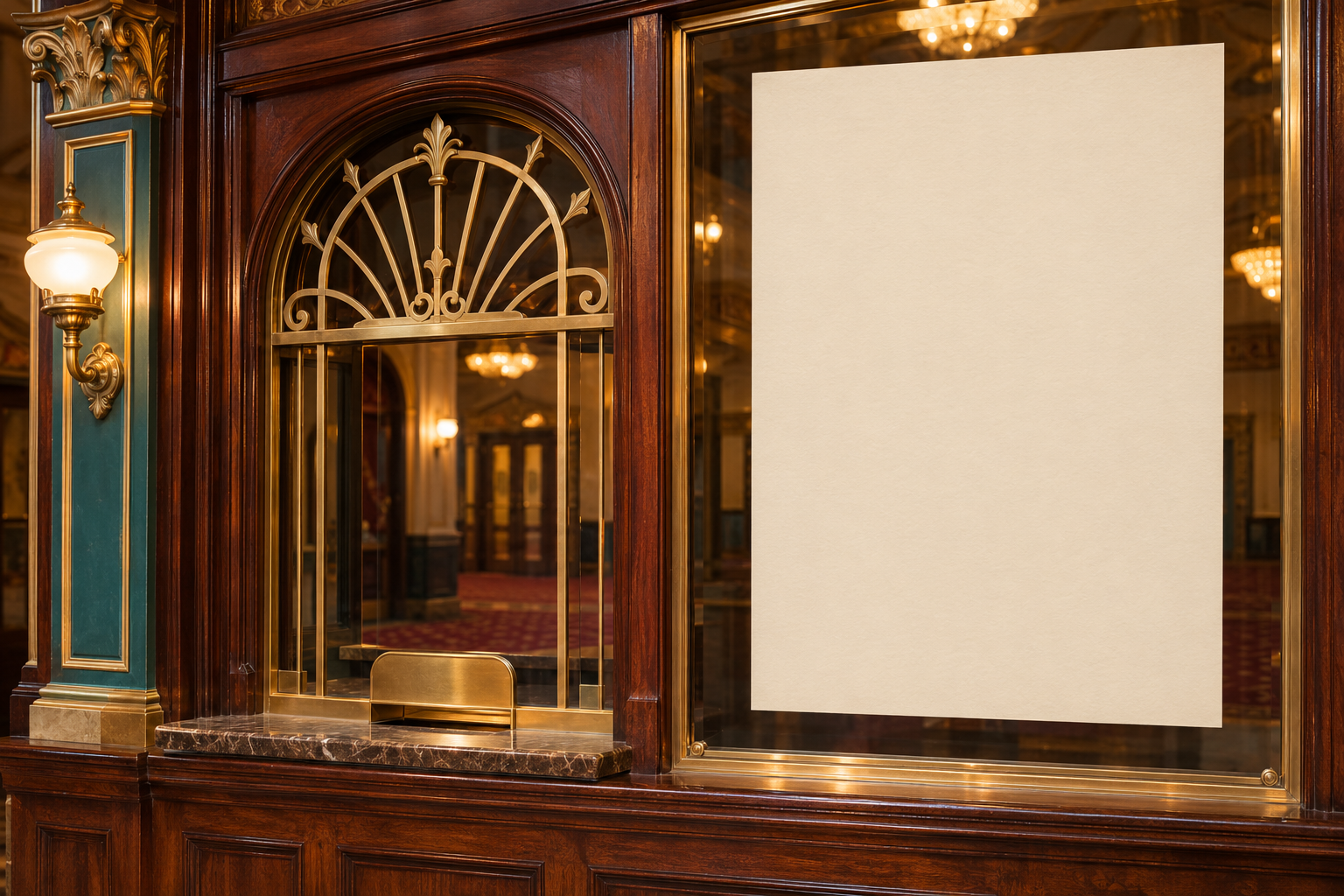
A window placard makes accessible options easy to discover before guests head to their seats.
ALICIA KEYS’
HELL’S KITCHEN
Scan to listen or read
the large-print program.
Braille programs are available.
Please ask at the box office.
Illustrative box-office rendering, not a photograph of the venue. Proposed sign wording; confirm availability before launch.
Open the program experience ↗WHAT OPENS ON THEIR PHONE
A working preview: play the audio or open the large-text controls.
Listen by section. Start with a welcome, show information, or planning your visit.
Read comfortably. Enlarge plain text and choose a light, dark, or warm background.
Keep Braille visible. A clear invitation to ask staff for a physical copy.
02 / AT THE BAR
A small counter placard offers the same choices while guests decide what to order.
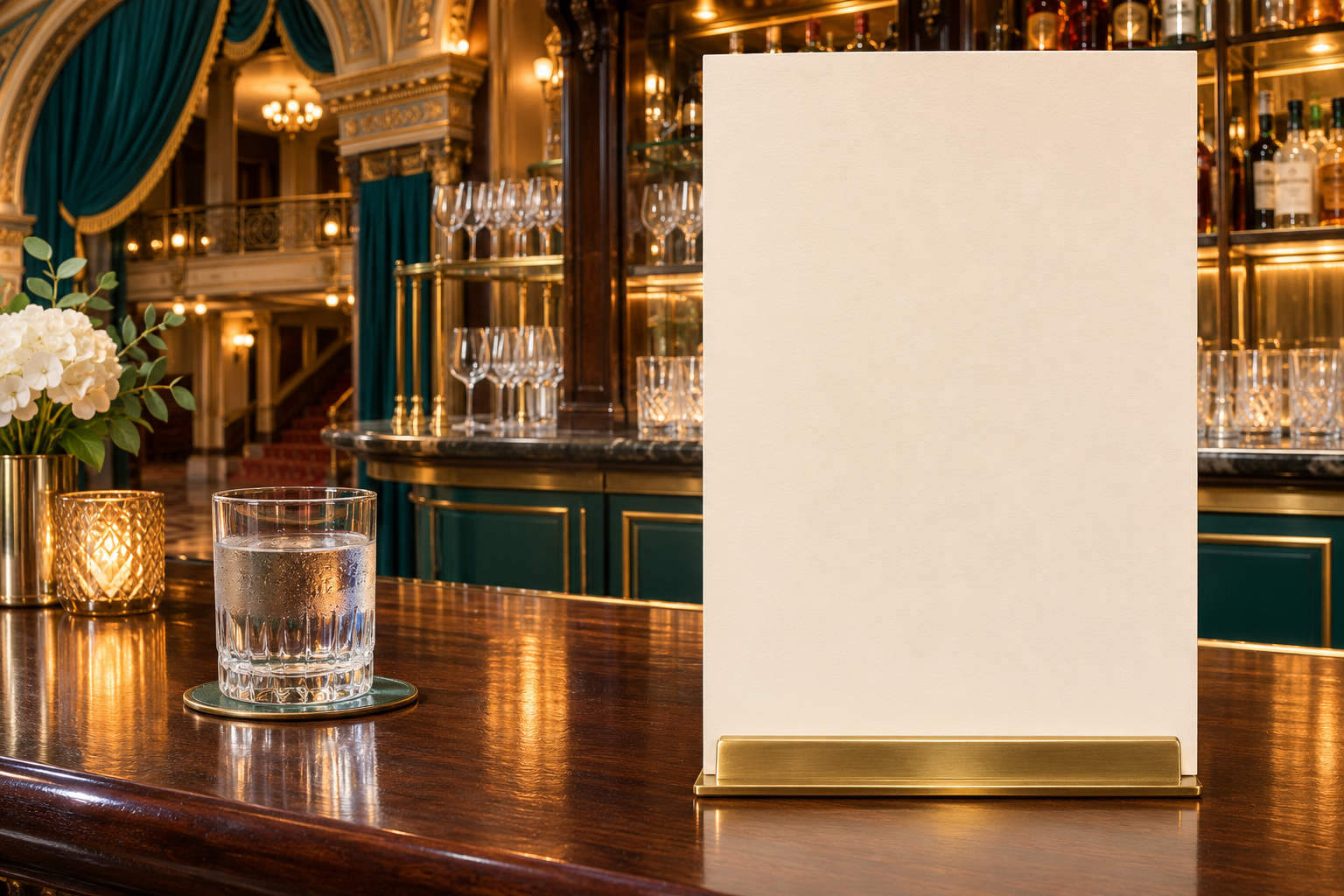
BEFORE THE SHOW / AT INTERMISSION
Scan to listen to the menu
or read it in large print.
Prefer a Braille menu?
Please ask at the bar.
Illustrative bar rendering. Menu items, prices, and Braille availability are demonstration content.
Open the menu experience ↗WHAT OPENS ON THEIR PHONE
Listen to the sample menu, or choose text size and colors.
LARGE PRINT, RIGHT ON A PHONE
Encore fits a lot of useful information into a compact publication. Small type can be challenging for guests with low vision, or anyone who finds print difficult to read in dim theater lighting.
A simple text edition lets guests choose a comfortable size and colors, while their phone’s own brightness controls let them adjust the screen to suit their surroundings. Text wraps to fit, so reading does not require moving back and forth across a fixed page.
Use before the show or at intermission, following venue phone-use guidance. No autoplay or flashing animation.
AND YES — IT CAN GO BEYOND PROGRAMS & MENUS.
Each QR code can open the information relevant to that location. These are optional extensions to develop with the venue.
Approved arrival instructions, entrances, box-office information, accessibility contacts, and a plain-language introduction to the venue.
Narrated descriptions of an exhibit, artwork, historical photographs, or a sponsor display, with the same information in text.
Clear instructions on requesting Braille, borrowing assistive-listening equipment, and finding information about scheduled access services.
Keep the same URL and QR placard. Refresh the program, menu, and approved show information behind it for the next engagement.
HOSTED FOR YOU · ACCESSLIBRARY.ORG
We use AccessLibrary.org, our private, unlisted website, to host accessible materials in a dedicated space for your theater.
AccessLibrary.org/
All of your QR codes can direct guests to this one landing page, where they choose tonight’s program, the bar menu, audio, or large text. The link stays the same while we update the content for each show.
Braille Enterprises handles the hosting and website maintenance for you, including publishing approved program and menu updates.
Add an “Accessible programs & menus” link to the Hippodrome website, ticket emails, or guest-information pages. Guests can find the same materials before arriving at the theater.
Here, “private” means unlisted and shared by direct link rather than promoted in a public directory. The proposed guest experience opens without a sign-in. Anyone with the link can access it; it is not a password-protected portal.
The address above is an example to be set up and approved. The QR codes in this rough mockup currently open the program and menu samples on this private demo site.
HIPPODROME BALTIMORE · ONE FAMILIAR EXPERIENCE
We can prepare coordinated Braille, large-print, plain-text, PDF, and audio editions from approved source materials, then host the digital choices on AccessLibrary.org at a consistent address. The Hippodrome identity stays consistent, with show artwork and approved information refreshed for each production.
For guests who do not scan QR codes, include a readable short URL on final placards and let staff offer a direct link or physical format. QR access complements personal assistance.